
A voice journal for
the days you need to talk.
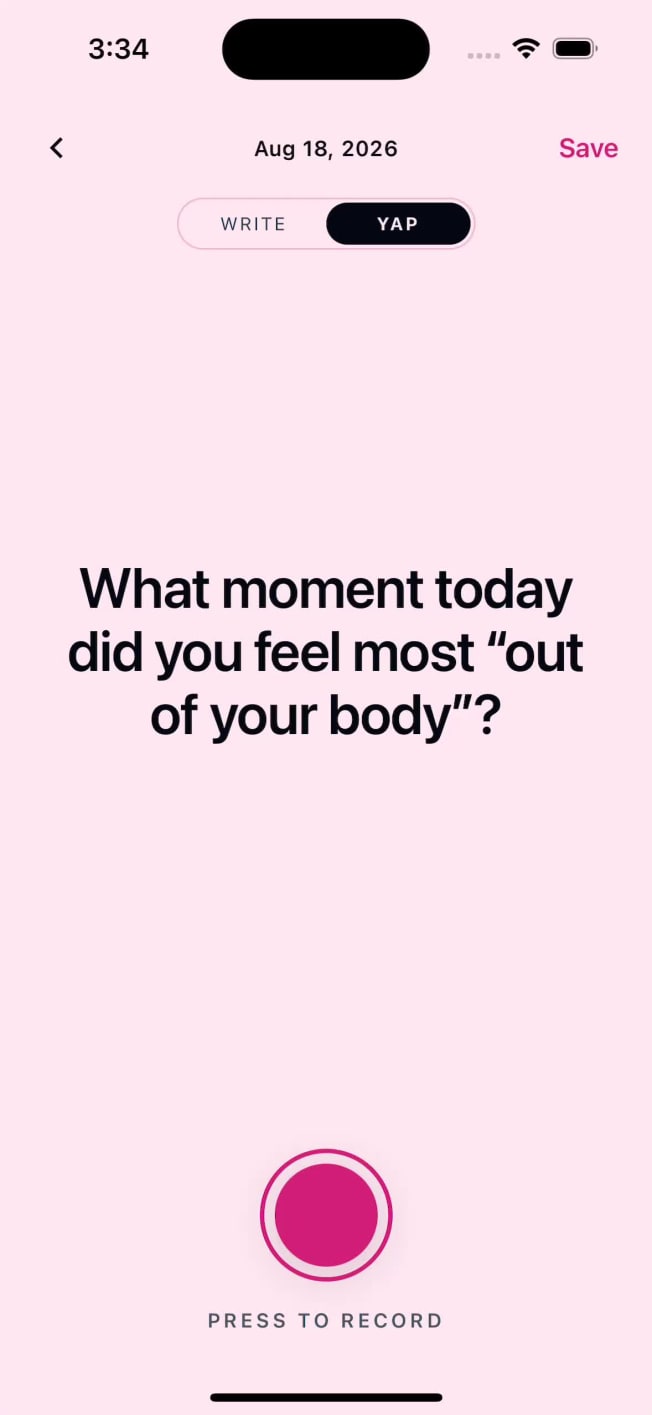
The thought you lose while typing. The story that comes out better aloud. Record it in Journly’s Yap, then turn your recording into a written entry when you want text too.
Say it in
your own words.
Start with what happened, say the part that stayed with you, and stop when you have said enough. See a first voice journal example.
Record a voice entry
Open Yap and record a thought, a memory, or the account of your day. Speak at your own pace.
Turn speech into an entry
Automatic transcription turns a finished recording into text. It uses online processing; see our Privacy Policy.
Read, edit, and keep it
Review the transcript and correct a name or phrase before keeping it as part of your journal.
Keep the moment in context
Use mood check-ins and your other entries to keep the story around a recording. Explore all journaling tools.
What journalers
are saying
“Free stickers, a bunch of templates, and daily prompts when I don’t know what to write. The affirmation reveals feel like a little surprise. Love this app.”


Start a journal you’ll enjoy keeping.
- PIN & biometric lock
- Free to write
- Voice journaling
- Personal covers & stickers